
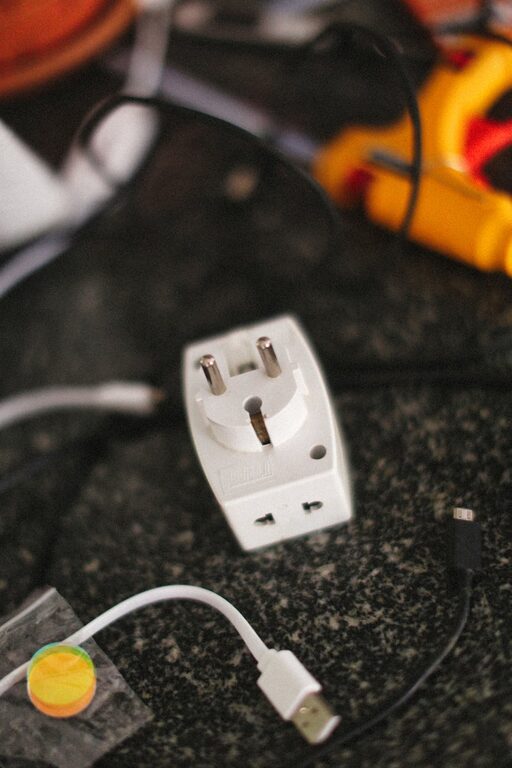
Setting up a dedicated charging station for your devices can simplify your daily routine, reduce clutter, and keep all your gadgets powered up and ready to go. Whether you have smartphones, tablets, smartwatches, or other rechargeable devices, an organized charging area helps you avoid tangled cords, misplaced chargers, and empty batteries.
In this post, we’ll explore how to set up a practical charging station tailored to your needs. From choosing the right location to managing cables and selecting charging accessories, these tips will help you create a neat and effective charging hub.
Why Create a Charging Station?
Before getting into the setup details, it’s worth understanding the benefits of having a charging station at home:
– Organization: Keeps all charging cables and devices in one spot.
– Convenience: Eliminates the search for chargers and outlets.
– Safety: Reduces risk of tripping over cables and prevents clutter.
– Efficiency: Charges multiple devices at once with the right adapters.
– Battery Care: Encourages regular device charging to preserve battery health.
Step 1: Choose the Right Location
Selecting a suitable place for your charging station sets the foundation. Consider these factors:
– Accessibility: Pick a spot you use often, like a living room console, kitchen counter, or bedroom nightstand.
– Power Sources: Ensure the area has enough power outlets for multiple chargers or a multi-port USB hub.
– Surface Space: Look for a flat surface large enough to hold all devices comfortably.
– Ventilation: Avoid cramped or enclosed spaces to prevent overheating of chargers and devices.
Step 2: Gather Your Charging Accessories
Depending on your devices and preferences, gather necessary equipment such as:
– Multi-Port USB Chargers: Ideal for charging several devices simultaneously with fewer power adapters.
– Wireless Charging Pads: Great for compatible smartphones and earbuds that support wireless charging.
– Charging Cables: Use high-quality cables suitable for your devices (e.g., USB-C, Lightning, Micro-USB).
– Cable Organizers: Clips, sleeves, or boxes to keep cables tidy and untangled.
– Charging Stand or Dock: Helps keep devices upright and accessible while charging.
Step 3: Organize Your Cables
Cable management is key to a neat charging station. Here are some techniques:
– Label Your Cables: Use cable tags or colored bands to quickly identify which cable belongs to which device.
– Use Cable Clips: Attach adhesive clips to the charging surface edges to keep cables from falling.
– Shorten Excess Length: Use Velcro ties or cable wraps to bundle extra cable length neatly.
– Conceal Cables: Hide cables within cable sleeves or under desk organizers to reduce visual clutter.
Step 4: Assemble Your Charging Station
Now that you have everything, it’s time to set up:
- **Position Chargers and Hub:** Plug your multi-port charger into an outlet and place it within easy reach.
- **Arrange Charging Cables:** Connect cables to the hub or chargers, secure them using clips or organizers.
- **Place Devices:** Arrange your devices on stands, docks, or simply on the surface, ensuring each cable reaches without strain.
- **Add Extras:** If desired, include small trays to hold accessories like earbuds, charging cases, or power banks.
Step 5: Maintain Your Charging Station
A charging station works best with regular upkeep:
– Clean the Area: Wipe surfaces and check cables for wear every few weeks.
– Update Accessories: Replace damaged cables or add new chargers as device requirements change.
– Monitor Charging Habits: Avoid overcharging by unplugging devices once fully charged.
– Keep the Area Clear: Remove devices you no longer use to keep the space tidy.
Additional Tips for an Effective Charging Station
– Consider a Charging Cart: For larger setups, mobile charging carts allow easy movement between rooms.
– Use Smart Plugs: Schedule charging times and save energy with smart plug timers.
– Incorporate Lighting: Add LED strips or lamps to illuminate the station for nighttime use.
– Personalize Your Setup: Add decorative elements or storage baskets that match your home décor.
Conclusion
Creating a well-organized charging station is a simple way to reduce tech clutter and keep devices charged and ready. By choosing the right location, using suitable accessories, and maintaining cable order, you can make your daily charging routine hassle-free. Start small and customize your setup according to your devices to enjoy the convenience and order a dedicated charging station provides.
Try these steps today and experience the difference!